
 Quick Quote

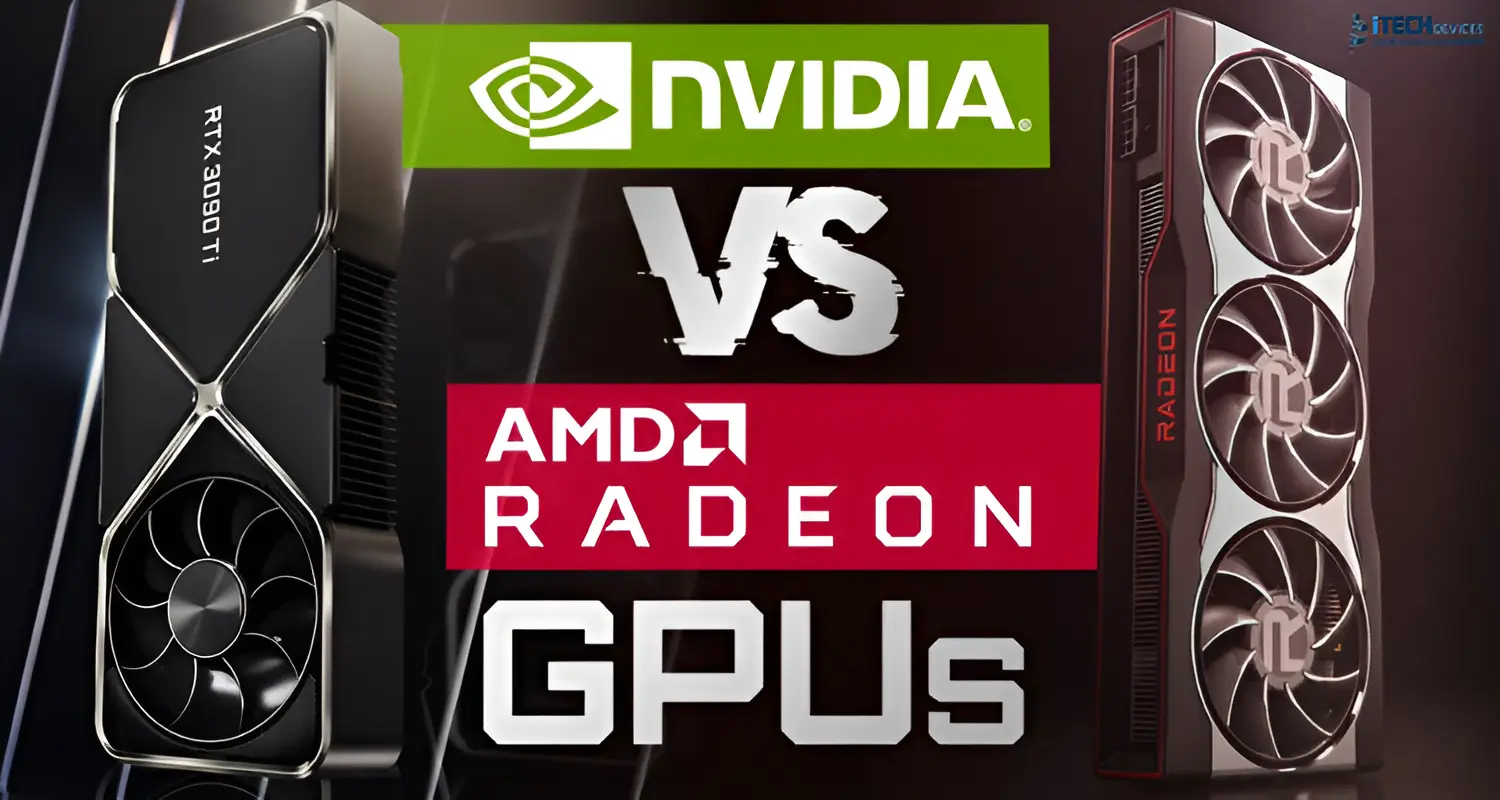


Choosing between NVIDIA and AMD graphics cards can be challenging because both brands offer strong options for different users. NVIDIA is widely known for high-end performance, advanced ray tracing, AI-powered upscaling, and broad support for creative applications. AMD, on the other hand, often delivers better value for money, competitive gaming performance, and more VRAM at similar price points.
The right choice depends on your budget, gaming resolution, preferred features, and the software you use. In this comparison, we will examine gaming performance, ray tracing, VRAM, upscaling, productivity, and price to help you decide which GPU brand suits your needs best.
NVIDIA vs AMD Graphics Cards
- Choose NVIDIA if you want the best ray tracing, AI-powered upscaling (DLSS), CUDA support for creative and AI software, or top-tier 4K gaming performance.
- Choose AMD if you want better price-to-performance, more VRAM for the money, and strong performance in traditional (rasterized) gaming.
NVIDIA vs AMD: How They Differ
GeForce RTX vs Radeon RX
NVIDIA's GeForce RTX series and AMD's Radeon RX series are the two main product lines competing in the consumer GPU market. Both offer cards across every price range, from budget-friendly options to high-end flagship models.
Rather than picking a brand out of loyalty, it's smarter to compare specific models at similar price points. A mid-range RTX card and a mid-range Radeon card, for instance, may trade blows depending on the game or workload.
Why the Individual Model Matters More Than the Brand
Every GPU generation shifts the balance. A card that wins on price-to-performance this year might not next year. That's why our team at iTech Devices always recommends comparing current specs and street prices — not just brand reputation — before you buy.
Gaming Performance: AMD vs NVIDIA
1080p and 1440p Gaming
For most gamers in the UAE playing at 1080p or 1440p, both AMD and NVIDIA offer excellent options. AMD Radeon cards often deliver strong frame rates per dirham spent in this segment, making them popular for budget and mid-range gaming builds.
4K Gaming
At 4K resolution, NVIDIA's high-end RTX cards tend to have an edge, particularly when ray tracing and DLSS upscaling are enabled. If 4K gaming is your goal, it's worth investing in NVIDIA's higher-tier models.
Ray-Traced vs Rasterized Gaming
- Rasterization (traditional rendering): AMD performs very competitively, especially at lower price points.
- Ray tracing (realistic lighting, shadows, and reflections): NVIDIA generally holds a clear advantage, thanks to dedicated ray-tracing hardware and years of software optimization.
NVIDIA DLSS vs AMD FSR: Upscaling Compared
Upscaling technology lets your GPU render games at a lower internal resolution and use AI or software techniques to output a sharper image—boosting frame rates without a major loss in visual quality.
If you want the best possible image quality with upscaling enabled, NVIDIA's DLSS currently has an edge. However, AMD's FSR has the advantage of working on a wider range of hardware, including older GPUs and even some NVIDIA cards.
VRAM: Does AMD Really Offer Better Value?
VRAM (video memory) affects how well a GPU handles high-resolution textures, large game worlds, and demanding professional applications. AMD cards often include more VRAM at a given price point compared to NVIDIA.
However, more VRAM doesn't automatically mean better performance. Actual performance also depends on:
- GPU processing power
- Memory bandwidth
- Game engine optimization
- Driver support
How Much VRAM Do You Actually Need?
NVIDIA vs AMD for Content Creation and Business Use
Video Editing and 3D Rendering
Many professional creative applications — including several Adobe products and 3D rendering engines — are optimized for NVIDIA's CUDA platform. If your business relies on video editing, 3D modeling, or rendering-heavy workflows, NVIDIA GPUs typically offer smoother performance and broader software compatibility.
Streaming and Encoding
NVIDIA's encoder technology is widely regarded as excellent for high-quality live streaming with minimal performance impact. AMD has closed the gap significantly in recent generations but still trails slightly in this area for professional streaming setups.
AI and Machine Learning Workloads
For businesses in the UAE exploring AI development, data analysis, or machine learning projects, NVIDIA remains the dominant choice due to CUDA's deep integration across AI frameworks and tools.
Power Consumption and Cooling
Before choosing a GPU, UAE buyers — especially businesses running multiple workstations — should also consider:
- Power draw: Higher-end GPUs from both brands require more powerful power supplies.
- Cooling and airflow: Given the UAE's warm climate, proper case ventilation and cooling matter more than in cooler regions.
- Case size: High-end cards from both brands can be large; check your case compatibility before purchasing.
Price-to-Performance: Budget, Mid-Range, and High-End
Budget Segment
AMD Radeon cards frequently offer stronger frame rates per dirham, making them a solid pick for first-time builders or budget-conscious upgrades.
Mid-Range Segment
This is where the competition is closest. Compare specific models, current pricing, and available stock at iTech Devices to find the best deal for your needs.
High-End and Flagship Segment
NVIDIA generally leads at the top end, particularly for buyers who want maximum ray tracing performance and the latest AI-powered features.
Common Use-Case
Buying Tips for UAE Customers
- Compare current prices, not launch prices. GPU prices shift over time — always check up-to-date pricing before deciding.
- Match your GPU to your power supply. Ensure your PSU has enough wattage and the correct connectors.
- Consider warranty and local support. Buying from a trusted UAE retailer like iTech Devices ensures faster support and genuine warranty coverage.
- Think about your primary use case first, then choose the brand and model that fits it — not the other way around.
- Don't over-invest in VRAM alone. Balance VRAM with GPU processing power for the resolution you actually play or work at.
Final Thoughts: Which GPU Should You Buy?
There's no universal winner in the NVIDIA vs AMD debate—only the right GPU for your specific needs. NVIDIA stands out for ray tracing, AI upscaling, content creation, and high-end 4K gaming. AMD shines with strong price-to-performance, generous VRAM, and solid traditional gaming performance.
The smartest approach is to identify your priorities—gaming resolution, software needs, and budget—then compare specific models rather than committing to a brand out of habit.
Ready to upgrade your setup?
At iTech Devices, we stock a wide range of NVIDIA and AMD graphics cards, along with complete IT hardware, networking equipment, servers, and enterprise technology solutions for businesses and individuals across Dubai, Abu Dhabi, Sharjah, and the wider UAE.
FAQs
Which is better, NVIDIA or AMD, for gaming?
It depends on your resolution and priorities. NVIDIA leads in ray tracing and 4K gaming, while AMD often delivers stronger price-to-performance for 1080p and 1440p gaming.
Is NVIDIA RTX better than AMD Radeon for ray tracing?
Yes, NVIDIA generally offers stronger ray-tracing performance thanks to dedicated hardware and mature software support, especially in the latest RTX generations.
Does AMD offer more VRAM than NVIDIA?
Often, yes — AMD frequently includes more VRAM at similar price points. However, VRAM alone doesn't determine overall performance.
Is AMD better value for money?
In many budget and mid-range segments, AMD offers strong performance per dirham spent, making it popular for value-focused builds.
Is NVIDIA better for video editing and content creation?
Yes, largely because many creative applications are optimized for NVIDIA's CUDA platform, resulting in smoother performance for editing and rendering tasks.
Is DLSS better than FSR?
NVIDIA's DLSS currently offers slightly better image quality due to its AI-based approach, though AMD's FSR has the advantage of working across a wider range of GPUs.
How much VRAM do I need for gaming?
For 1080p, 8GB is usually sufficient. For 1440p, aim for 8–12GB, and for 4K gaming, 12–16GB is recommended.
Should I compare GPU brands or individual models?
Individual models. Comparing specific cards at similar prices gives a far more accurate picture than comparing brands generally.