
 Quick Quote

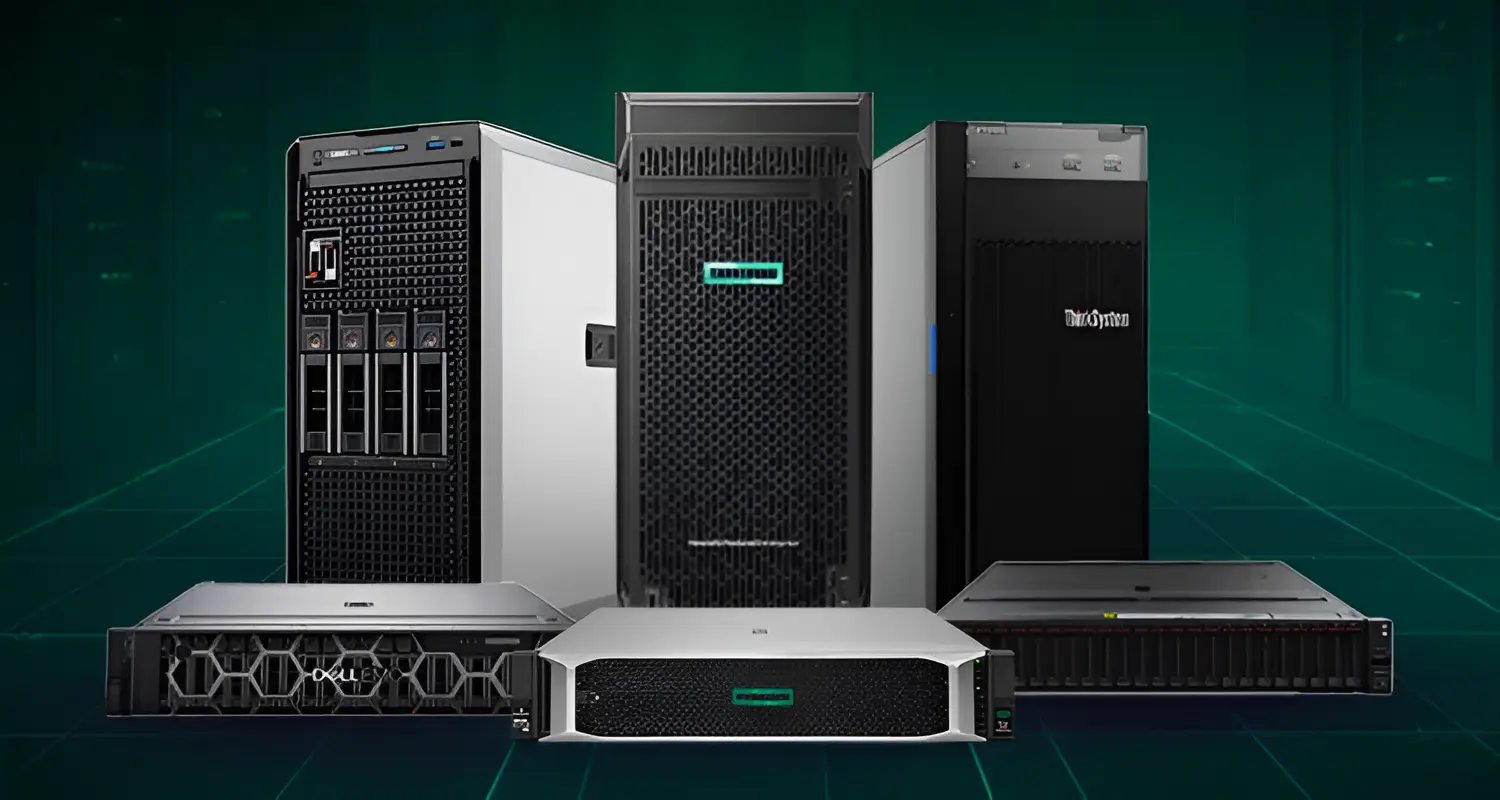


Choosing the right server is essential for maintaining performance, security, and business continuity. This Server buying guide UAE will help you compare server types, specifications, brands, and deployment options based on your business needs. You will learn how to select the right CPU, RAM, storage, RAID level, and form factor for different workloads.
The guide also covers UAE-specific factors such as cooling, power efficiency, local warranty, and technical support. Whether you need a tower server, rack server, or dedicated hosting solution, this guide will simplify your decision. Use it to choose a reliable, scalable, and cost-effective server for your organization.
Why Choosing the Right Server Matters
A server isn't just another piece of office equipment—it's the system your business depends on daily. Choosing the wrong specifications can lead to slow performance, unexpected downtime, or costly upgrades within a year or two. On the other hand, overspending on unnecessary hardware ties up capital that could be used elsewhere.
The right server should match your current workload, allow room for growth, and be suited to the UAE's climate and power conditions—which play a bigger role in hardware longevity than most buyers realize.
Step 1: Identify Your Workload Before Anything Else
Before comparing brands or prices, define what the server will actually be doing. Common business workloads include:
- File sharing and centralized storage
- Email and communication systems
- ERP or CRM software (like SAP, Odoo, or Zoho)
- Database management
- Virtualization (running multiple virtual machines)
- Backup and disaster recovery
- Point-of-sale or surveillance storage systems
Your workload directly determines how much processing power, memory, and storage you'll need—so skipping this step often leads to buying the wrong server entirely.
Step 2: Tower, Rack, or Blade Server — Which One Do You Need?
One of the first decisions in any server buying guide is choosing the right form factor. Here's a quick comparison:
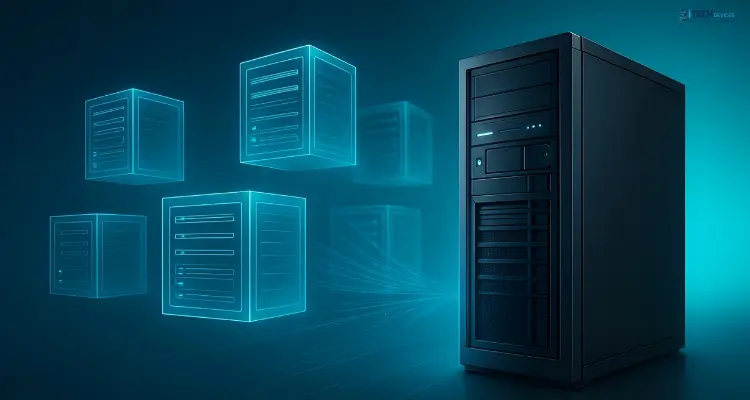
For most small and medium businesses in the UAE, a tower server is the starting point, while companies expecting growth or already running multiple applications usually move to a rack server.
Step 3: How Much CPU Power Do You Actually Need?
Server processors (from Intel Xeon or AMD EPYC families) are measured by core count, clock speed, and socket configuration. As a general rule:
- Basic file/print sharing – A single-socket, moderate core-count CPU is sufficient.
- ERP, CRM, or database applications – Look for higher core counts and stronger single-thread performance.
- Virtualization hosts – Prioritize high core counts to support multiple virtual machines simultaneously.
Avoid choosing a processor based on price alone — always match it to your actual applications and expected concurrent users.
Step 4: How Much RAM Does Your Server Need?
Memory (RAM) is one of the most commonly under-specified components. Business servers should always use ECC (Error-Correcting Code) RAM, which prevents data corruption — a feature not found in consumer-grade memory.
Always leave room for memory expansion — buying a server with maxed-out RAM slots on day one limits future upgrades.
Step 5: Choosing the Right Storage — HDD, SSD, or NVMe?
Storage decisions affect both performance and cost. Here's how the main options compare:
- SATA HDD – High capacity, low cost, best for backups and archiving.
- SATA/SAS SSD – Faster and more reliable than HDDs, suitable for active applications.
- NVMe SSD – The fastest option, ideal for databases and high-performance workloads.
Many UAE businesses use a hybrid approach: fast SSD or NVMe storage for active applications, paired with high-capacity HDDs for backup and archival data.
Understanding RAID Levels
RAID combines multiple drives for redundancy and/or performance — but it's important to understand that RAID is not a backup solution.
Step 6: Dell vs HPE vs Lenovo — Which Server Brand Should You Choose?
Three brands dominate the UAE business server market: Dell PowerEdge, HPE ProLiant, and Lenovo ThinkSystem. Each offers reliable, enterprise-grade hardware, and the right choice depends on your specific needs rather than brand loyalty alone.
No single brand is universally "the best" — availability, warranty terms, and local support from your supplier often matter just as much as the hardware specs themselves.
Step 7: UAE Climate Considerations — Cooling and Power
This is where many buyers overlook a critical factor: UAE's high ambient temperatures directly affect server performance and lifespan.
When setting up your server environment, consider:
- Proper airflow and rack ventilation
- Dedicated cooling for server rooms
- UPS (Uninterruptible Power Supply) sizing for power fluctuations
- Dust filtration, especially in industrial or outdoor-adjacent locations
- Remote environmental monitoring for temperature and humidity
Investing in proper cooling isn't optional in the UAE — it directly impacts your total cost of ownership by extending hardware lifespan and reducing failure rates.
Step 8: On-Premises Server vs Dedicated Hosting vs Cloud
If your business values full control over data and hardware, an on-premises server remains the strongest choice. If flexibility and reduced maintenance matter more, hosted or cloud alternatives may suit you better.
Step 9: Warranty and Local UAE Support
A server is a long-term investment, so warranty coverage and local support are just as important as specifications. When buying, always verify:
- Authorized reseller or partner status
- Genuine, serial-number-verified components
- On-site support response times
- Availability of replacement parts within the UAE
- Manufacturer warranty versus reseller warranty terms
Recommended Server Configurations by Business Size
Conclusion
Choosing the right server for your UAE business doesn't have to be complicated once you understand your workload, growth plans, and environmental considerations. The right combination of processor, memory, storage, and warranty support will keep your business running smoothly for years to come.
At iTech Devices, we specialize in helping UAE businesses — from small startups to large enterprises — find the perfect server configuration for their needs. Our team offers genuine, warranty-backed servers from trusted brands, along with expert guidance tailored to your budget and workload.
Ready to upgrade your business infrastructure?
Browse our range of business servers at iTech Devices today, or get in touch with our team for a personalized configuration recommendation — because the right server shouldn't be a guessing game.
FAQs
What should I look for when buying a server?
Focus on your workload, expected number of users, processor and memory requirements, storage type, RAID configuration, warranty, and local support availability in the UAE.
Which server type is best for a small business?
A tower server is usually ideal for small offices without a dedicated server room, while rack servers suit businesses planning to expand their IT infrastructure.
How much RAM does a business server need?
It depends on the workload — a basic file server may need only 16–32GB, while database or virtualization servers often require 128GB or more.
Should I choose SSD or HDD storage?
SSD and NVMe storage offer faster performance for active applications, while HDDs remain cost-effective for backup and archival storage.
Is RAID the same as a backup?
No. RAID provides redundancy and performance benefits, but a separate, tested backup strategy is still essential to protect against data loss.
Should I buy a physical server or use cloud hosting?
Choose a physical server if you need full control and predictable performance. Cloud or dedicated hosting suits businesses that prioritize scalability and reduced hardware management.
How long does a business server typically last?
Most businesses plan around a three-to-five-year refresh cycle, though actual lifespan depends on workload, maintenance, and environmental conditions.