
 Quick Quote

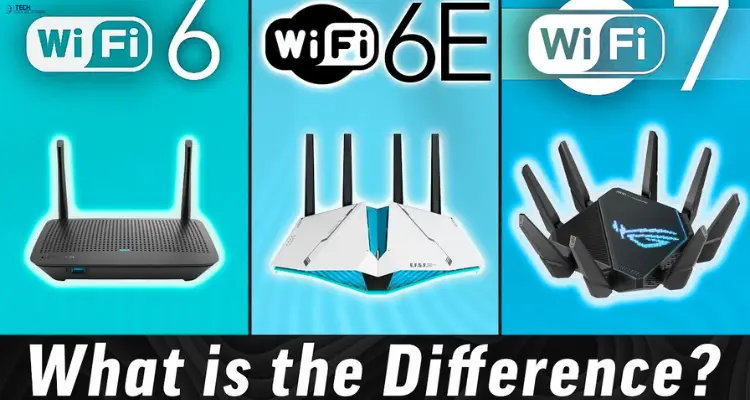


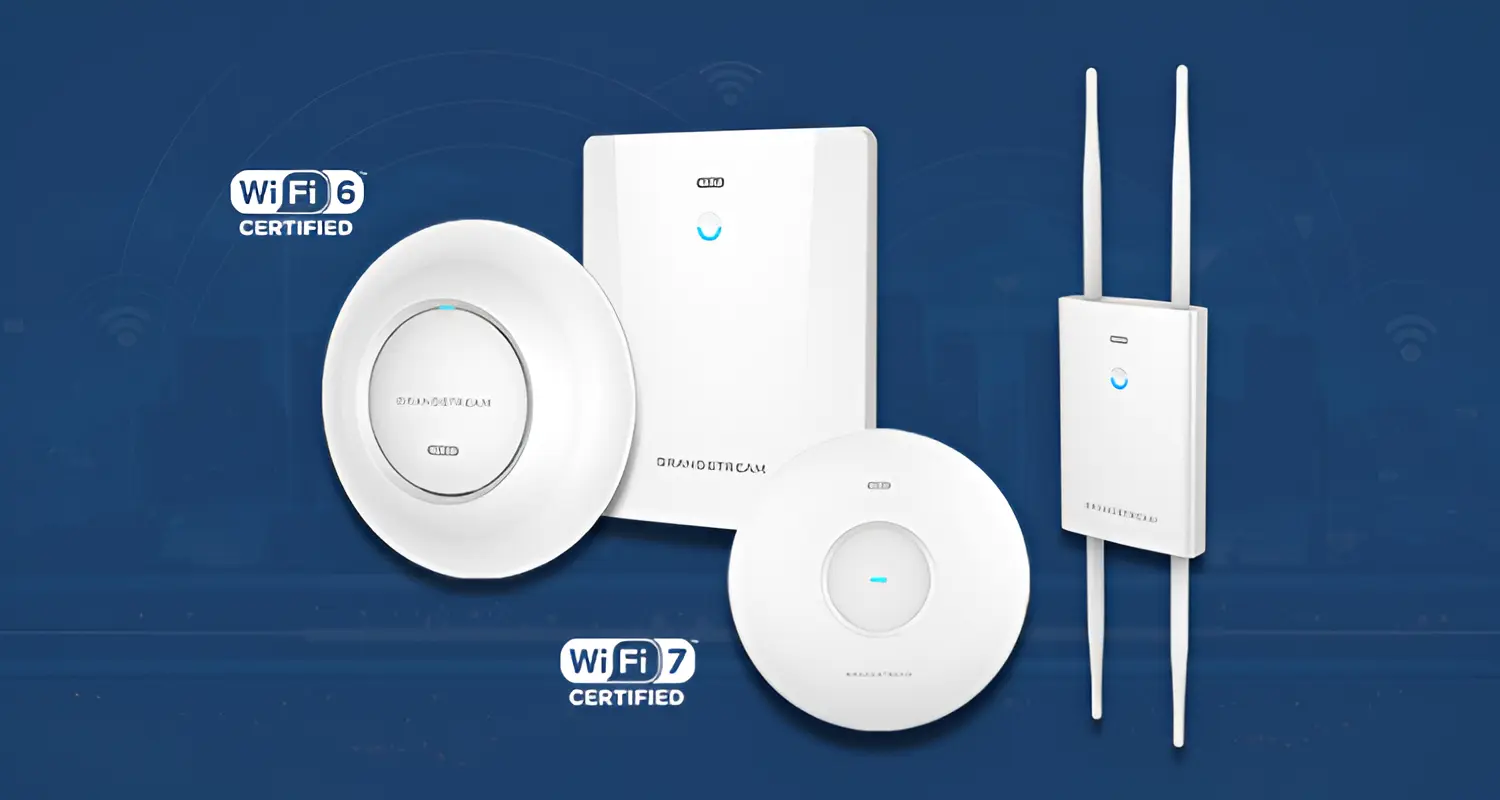
If you're shopping for a new access point, you've probably noticed the market splitting into three tiers: Wi-Fi 6, Wi-Fi 6E, and Wi-Fi 7. Each one is faster and more capable than the last, but "faster" doesn't automatically mean "right for your network."
Wi-Fi 6 is the reliable, budget-friendly workhorse. Wi-Fi 6E adds access to the uncongested 6 GHz band for compatible devices. Wi-Fi 7 layers on technologies like Multi-Link Operation and 320 MHz channels for the highest theoretical throughput and lowest latency. Which one actually makes sense for you depends on your client devices, your internet speed, your building layout, and your budget — not just the spec sheet.
This guide breaks down the real differences, where each standard makes financial and technical sense, and how to avoid overspending on capability your devices can't use.
Wi-Fi 6 vs 6E vs 7: Side-by-Side Comparison
What is a Wi-Fi 6 Access Point?
Wi-Fi 6 (802.11ax) has been the mainstream business and home standard since around 2019. It introduced two features that matter more than raw speed: OFDMA, which lets an AP serve multiple devices in a single transmission instead of one at a time, and Target Wake Time, which lets battery-powered devices sleep between data transfers and stay connected longer.
Wi-Fi 6 operates on the 2.4 GHz and 5 GHz bands only. Nearly every laptop, phone, and IoT device sold in the last several years supports it, which makes it the safest, most broadly compatible option on the market today.
What is a Wi-Fi 6E Access Point?
Wi-Fi 6E is technically the same 802.11ax standard, extended to operate in the 6 GHz band. That's the whole story, and it's also the whole value proposition.
The 6 GHz band opened up a large block of previously unused spectrum. Because it's brand new, it isn't cluttered with years of legacy devices, neighboring routers, or Bluetooth interference the way 2.4 GHz and 5 GHz are. For congested apartment buildings, dense offices, or areas with heavy Wi-Fi overlap, that clean spectrum can matter more than any headline speed number.
The catch: only devices with a 6E radio can use the 6 GHz band. Older phones, laptops, and smart-home gear will still connect over 2.4 GHz or 5 GHz, and won't see any benefit from the AP's 6E capability.
What is a Wi-Fi 7 Access Point?
Wi-Fi 7 (802.11be) is the newest standard, and it's a genuine architectural jump rather than an incremental update. Three features define it:
- Multi-Link Operation (MLO): A device can transmit and receive across multiple bands simultaneously — for example, 5 GHz and 6 GHz at once — instead of picking one. This reduces latency and improves reliability when one band gets noisy.
- 320 MHz channels: Double the maximum channel width of Wi-Fi 6/6E, which directly increases throughput ceiling when spectrum is available.
- 4K-QAM: A denser modulation scheme that packs more data into the same signal, again raising the theoretical maximum speed.
Combined, these push Wi-Fi 7's theoretical ceiling to roughly 46 Gbps — a number that sounds dramatic but is almost never reached outside controlled lab tests. The practical benefit for most buyers isn't hitting that ceiling; it's lower latency and steadier performance under load, particularly useful for gaming, video calls, and dense device environments.
Wi-Fi 6 vs 6E vs 7: Key Differences That Actually Matter
Frequency Bands
Wi-Fi 6 uses 2.4 GHz and 5 GHz. Both 6E and 7 add 6 GHz. More bands generally mean better load distribution across devices, but only if those devices can actually use the extra band.
Speed
On paper, Wi-Fi 7 is roughly five times faster than Wi-Fi 6. In practice, your internet plan is almost always the bottleneck, not the AP. If you have a 500 Mbps connection, a Wi-Fi 6 AP is already faster than what you're paying your ISP for. The AP's ceiling only matters for local, device-to-device transfers or when you're on multi-gigabit fiber.
Channel Width
Wider channels move more data, but they also require more open, interference-free spectrum. Wi-Fi 7's 320 MHz channels are currently only usable in the 6 GHz band, and regulatory rules in some countries still limit how much of that spectrum is available for unlicensed use.
Multi-Link Operation
This is arguably Wi-Fi 7's most practical everyday advantage. By using two bands at once, a Wi-Fi 7 device can fall back instantly if one band gets congested, which shows up as fewer dropped frames and steadier latency — something gamers and video-call users notice more than raw speed.
Latency
Wi-Fi 6 already improved latency significantly over Wi-Fi 5 through OFDMA. Wi-Fi 7 improves it further through MLO. For competitive gaming or real-time applications, this is often a stronger argument for upgrading than throughput alone.
Device Capacity
OFDMA (present in all three standards) lets one AP serve more simultaneous devices without a steep performance drop. This matters more in dense environments — offices, classrooms, hotels — than raw generation numbers does.
Coverage and Wall Penetration
This is a common point of confusion. Higher frequencies (6 GHz) carry more data but travel shorter distances and penetrate walls less effectively than lower frequencies like 2.4 GHz. Wi-Fi 7 doesn't inherently "penetrate walls better" — it's still subject to the same physics. What helps in practice is AP placement density and using MLO to fall back to a lower, more penetrating band when needed.
Client Compatibility
Wi-Fi 6 has the broadest compatibility by far. Wi-Fi 6E requires a 6E radio in the client device. Wi-Fi 7 requires a Wi-Fi 7 radio to unlock its full feature set — a small but growing share of devices as of 2026.
Infrastructure Requirements
An AP is only as fast as what feeds it. Multi-gigabit Wi-Fi 7 speeds require multi-gigabit Ethernet uplinks and a switch that supports them. Plugging a Wi-Fi 7 AP into a standard 1 Gbps port caps its real-world performance regardless of wireless capability.
Cost
Wi-Fi 6 hardware is mature and competitively priced. Wi-Fi 6E sits in the middle. Wi-Fi 7 carries a premium, both for the AP itself and often for the switching infrastructure needed to fully use it.
Which Access Point Should You Buy?
Rather than naming one universal winner, match the AP to your situation.
Under 1 Gbps internet, general use: Wi-Fi 6 is the sensible choice. You won't outrun your internet connection, and hardware costs stay low.
Multi-gigabit internet: Wi-Fi 7 starts to make sense here, since it's the only standard that can meaningfully use that bandwidth wirelessly — provided your switch and client devices can keep up.
Small business, mixed device fleet: Wi-Fi 6 remains commercially sensible if most client devices are a few years old. Don't pay for 6E or 7 features your laptops and phones can't access.
High-density office or classroom: Look at OFDMA capacity and client limits more than generation. A well-placed Wi-Fi 6 or 6E deployment often beats a single Wi-Fi 7 AP stretched too thin.
Gaming: Wi-Fi 6E or Wi-Fi 7 both help with latency, but Wi-Fi 7's MLO gives a more consistent edge if your router, AP, and gaming device all support it.
You specifically need a clean 6 GHz spectrum: This is the strongest single argument for 6E or 7 — congested apartment buildings, coworking spaces, and dense residential areas benefit most from escaping the crowded 2.4/5 GHz bands.
Future-proofing a new deployment: If you're installing new hardware today and expect to keep it five-plus years, Wi-Fi 7 is worth the premium, since client-device support will only grow.
Thick walls or large coverage areas: Don't decide this based on 6 GHz headline numbers alone. Lower frequencies travel farther through obstacles; plan AP placement and count accordingly rather than assuming a newer standard fixes coverage gaps by itself.
Is It Worth Upgrading From Wi-Fi 6?
Not automatically. If your current Wi-Fi 6 network performs well, your internet speed is under a gigabit, and most of your devices don't support 6E or 7, an upgrade won't deliver a noticeable difference for typical browsing, streaming, and video calls.
Upgrading makes more sense when you can check at least two of these boxes: you have multi-gigabit internet, you're dealing with real congestion from neighboring networks, several of your devices already support the newer standard, or you're doing latency-sensitive work like competitive gaming or professional video conferencing.
Should You Skip Wi-Fi 6E and Buy Wi-Fi 7 Directly?
For many buyers, yes. Wi-Fi 6E is best understood as a transitional standard — it adds the 6 GHz band without Wi-Fi 7's other architectural improvements like MLO and wider channels. If you're buying new hardware today rather than working with existing 6E equipment, Wi-Fi 7 typically offers a better long-term return, since it includes 6 GHz access plus everything else.
The exception is budget: if the price gap between 6E and 7 hardware is significant and your infrastructure can't yet use Wi-Fi 7's full capability anyway, a well-priced 6E AP is still a reasonable middle ground.
Wi-Fi Router vs Access Point: What's the Difference?
This matters because "router" and "access point" often get used interchangeably, but they're not the same device.
A router handles traffic between your local network and the internet, and it usually includes a built-in access point for home use. A dedicated access point, by contrast, only handles wireless connectivity — it plugs into your existing network (via a router or switch) and extends Wi-Fi coverage without managing internet traffic itself.
For a single home or small apartment, a Wi-Fi 6E or Wi-Fi 7 router is usually simpler and sufficient. For businesses, larger homes, or anywhere you need multiple coverage points working together, dedicated access points — often managed through a central controller — give you more control over placement, capacity, and network segmentation. This is also where terms like "Wi-Fi 6E router" and "Wi-Fi 7 access point" diverge in practice, even though they run the same underlying wireless standard.
Final Thoughts
Wi-Fi 7 is the most capable technology of the three, but the newest access point is not automatically the best purchase.
Wi-Fi 6 remains a strong value choice for mainstream networks with broad client compatibility.
Wi-Fi 6E is useful when the 6 GHz spectrum solves a real congestion or capacity problem and compatible devices are already available.
Wi-Fi 7 is the strongest option for high-performance and longer-term deployments where modern clients, multi-gigabit networking, and demanding workloads can actually take advantage of its capabilities.
Before upgrading, evaluate the whole network: client devices, AP placement, Ethernet switching, PoE capacity, internet speed, cabling, coverage, device density, and your expected hardware lifecycle.
At iTech Devices, the goal should not be to choose the highest number on a specification sheet. It should be to build a network in which every component works together efficiently.
When comparing Wi-Fi 6, Wi-Fi 6E, and Wi-Fi 7 access points, that is what ultimately determines which option is best.
FAQs
Is Wi-Fi 7 really better than Wi-Fi 6E?
Technically, yes — Wi-Fi 7 includes everything 6E offers (6 GHz access) plus Multi-Link Operation, wider channels, and denser modulation. Whether that translates to a noticeably better experience depends on whether your client devices and wired infrastructure can actually use those extra capabilities.
Does Wi-Fi 7 penetrate walls better?
Not inherently. Wall penetration is primarily a function of frequency, and Wi-Fi 7 still uses the same 2.4/5/6 GHz bands as its predecessors — higher frequencies like 6 GHz still travel less well through walls than 2.4 GHz. Wi-Fi 7's advantage comes from MLO letting devices fall back to a better-penetrating band automatically, not from the standard itself defying physics.
Which is better, Wi-Fi 6 or Wi-Fi 6E?
Wi-Fi 6E is the better choice specifically when you're dealing with congestion and have 6E-capable client devices. Otherwise, Wi-Fi 6 offers nearly identical real-world performance at a lower cost.
Is Wi-Fi 6E good for gaming?
It can help, mainly by giving you access to the less congested 6 GHz band, which reduces interference-related lag spikes. Wi-Fi 7 goes further with MLO, which is more directly aimed at latency consistency.
What's the difference between Wi-Fi 6E and Wi-Fi 7 for a home network?
6E adds spectrum; Wi-Fi 7 adds spectrum plus architecture (MLO, wider channels, better modulation). For most home users on sub-gigabit internet, the practical day-to-day difference is small. For gamers, streamers, or households with many simultaneous devices, Wi-Fi 7's improvements are more noticeable.